Painlessly Improve Your Git History
Maëlle Salmon
Memory of an old video game
Prerequisites
Git installation, basic usage.
saperlipopette installation https://docs.ropensci.org/saperlipopette/
Two sticky notes. “I’m done!”: pink or green. “I need help!”: yellow.
Any question?
How we’ll work
In your usual Git environment.
Informal poll.
How we’ll work
In temporary folders created by {saperlipopette}.
So we won’t break any important project.
{saperlipopette}
A tool to use Git
An R package to create exercises in distinct folders.
saperlipopette
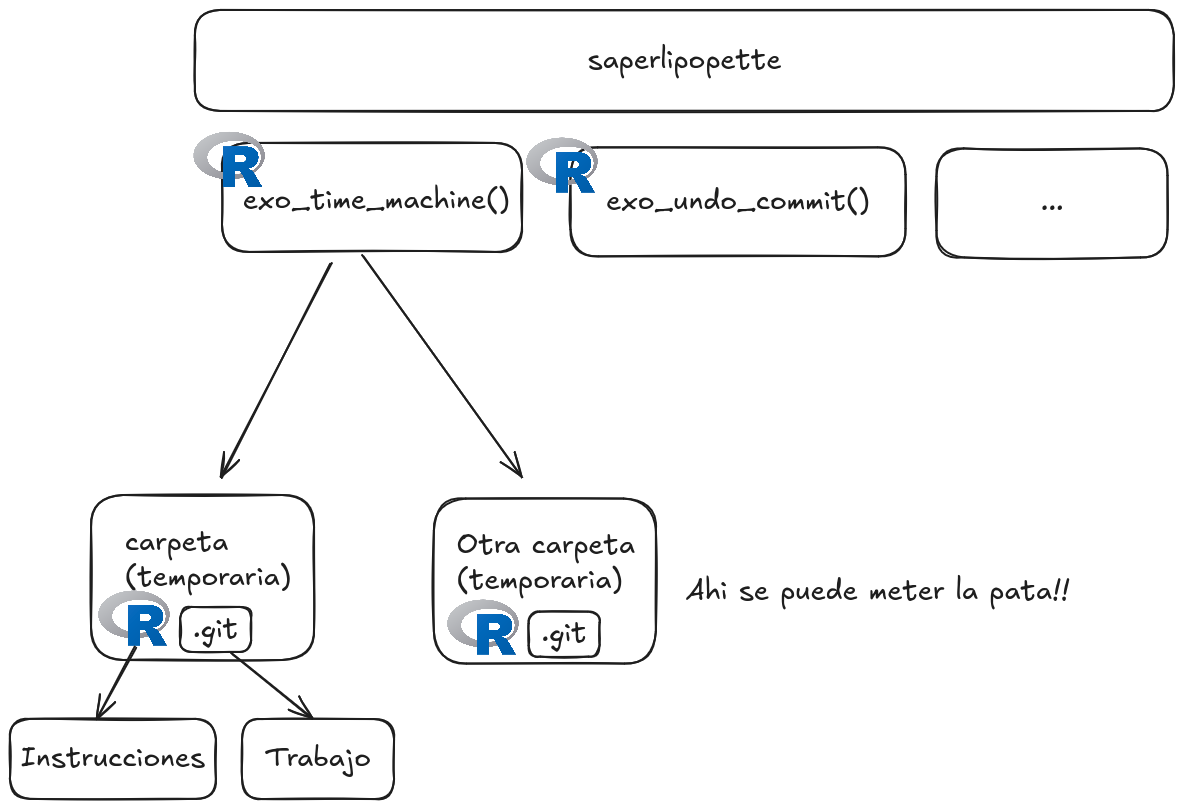
saperlipopette:
R to create Git exercises
R to create the exercise in another folder.
R in the new session to read the instructions.
Your usual tools to solve the Git problem!
saperlipopette:
how to use the package
Call a function from an R session.
Go to the created folder (shown in the output).
Open R in this folder, read the instructions.
Work with your Git tools or the terminal.
Close the exercise session.
Set up your Git editor
Fix the Git editor
You have 10 minutes to fix it!
- Operating system: Windows, macOS, Linux.
- Choose an editor. RStudio? Positron? Code? Another editor?
- Does the editor work from the terminal? If not, it’s a PATH issue.
- https://docs.github.com/en/get-started/git-basics/associating-text-editors-with-git
Git is handy
Less work loss;
Experimentation in branches;
History to use (locally and on platforms like GitHub).
Git history
Small commits (changes) with informative messages
A mysterious line of code
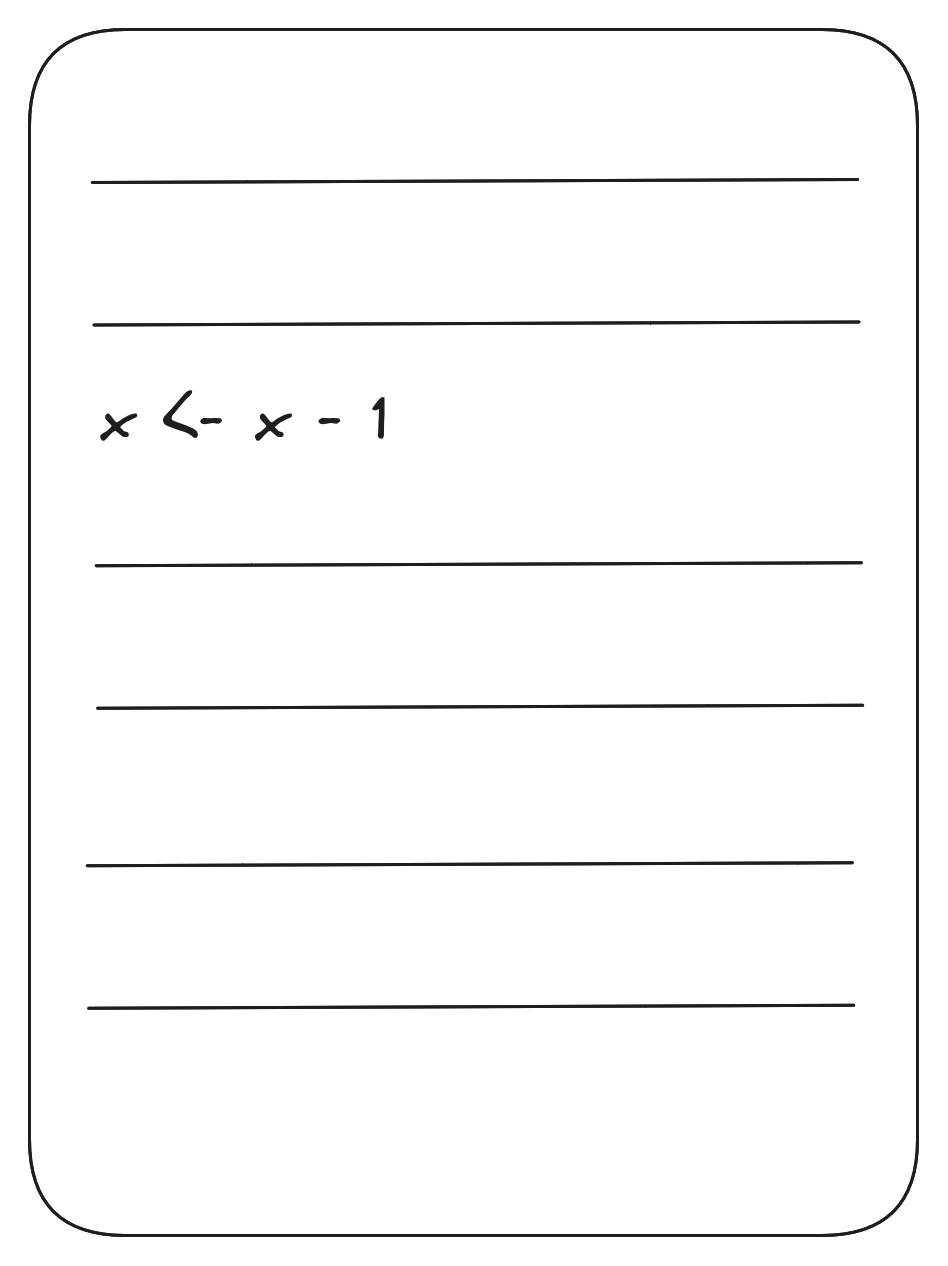
git blame

Git blame: click on the commit…
Git blame: click on the commit…
“Add a bunch of files before lunch 🍝”
Shows 145 files changed with 2,624 additions and 2,209 deletions.
Git blame: click on the commit…
“fix: adapt code to 0-indexing of the tool”
Shows 2 files changed with 3 additions and 2 deletions.
Git blame: example
A bad idea 7 commits ago
Oh no, that idea from 7 commits ago is bad! Should we…
Manually delete the change;
Undo (“Revert”) the commit that added the change?
Git revert
This only works well if the commit is small.
Git revert: let’s try it! 5 minutes
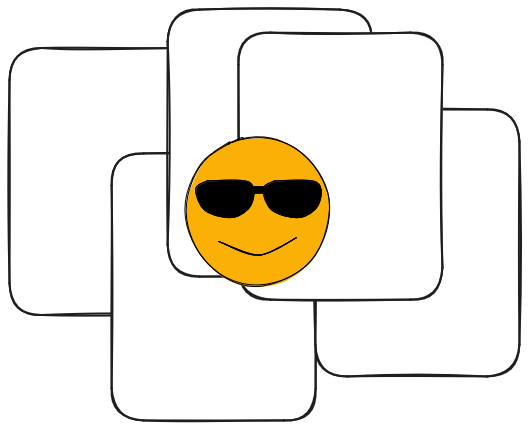
You doing something three days ago
 .
.
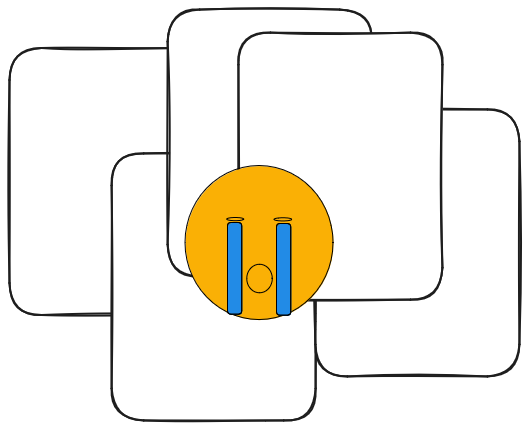
You doing the same thing today
 .
.
Git bisect: commit history
 .
.
Git bisect: explore commits optimally

Git bisect: explore commits optimally

Git bisect: explore commits optimally

Git bisect: explore commits optimally

Git bisect: explore commits optimally

Git bisect: explore commits optimally

Git bisect result: one commit!
Git bisect result: one commit!
“Add a bunch of files before exercise 💪”.
Shows 145 files changed with 2,624 additions and 2,209 deletions.
Git bisect result: one commit!
“refactor: start using YAML”
Shows 2 files changed with 3 additions and 2 deletions.
Git bisect: let me show it!
Git history
“there’s no need for everyone to see the mistakes you made along the way”
Mike McQuaid, Git in practice
Break 😮💨
5 minutes!
How to get a nice Git history
Another dimension to your work.
Working in branches
“The Repeated Amend”™️:
git commit --amend
What is git commit --amend
Git commit amend: let’s try it!
5 minutes
“The Repeated Amend”™️:
git commit --amend
https://happygitwithr.com/repeated-amend
First part of the work,
git commit -m "feat: add cool thing"Second part of the work,
git commit --amend --no-edit…
It’s done!
git push
“The Repeated Amend”™️:
git commit --amend
git checkout -b 'feature-cool'First part of the work,
git commit -m "feat: add cool thing",git pushSecond part of the work,
git commit --amend --no-edit,git push -f…
It’s done!
git push -f
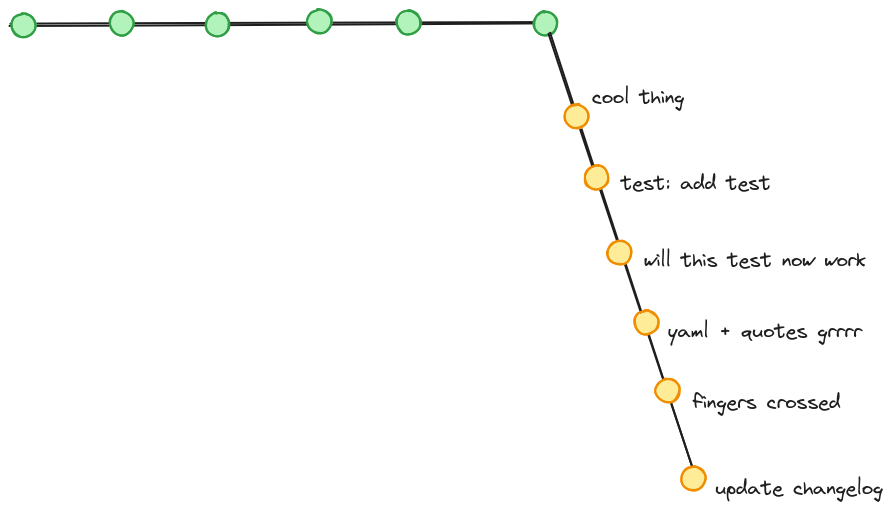
“Squash and merge”: click the right GitHub/GitLab button.
 .
.
“Squash and merge”: click the right GitHub/GitLab button.

“Squash and merge”: click the right GitHub/GitLab button.
“Start from scratch”
git reset --mixedChanges in the directory but not the Git history.git add (--patch)Good commits, in hindsight.
Let’s try git add --patch
5 minutes
Break 😮💨
5 minutes
“Start from scratch”
“Mix and match your commits”
git rebase -i
“Mix and match your commits”
Resources on git rebase
Start from scratch or rebase
10 minutes
Either
Or
Why have small informative commits.
Better history, especially for
git blamegit bisectgit revert
How to create better commits
✨ You don’t need to get it right the first time ✨
The Repeated Amend ™️
Squash and merge PRs
Start from scratch
Mix and match your commits
What tools for Git?
The terminal: it never changes, and you learn the words.
RStudio IDE
Positron IDE, GitLens extension
Other IDEs
GitHub Desktop
Practice safely with the {saperlipopette} playgrounds!
Still other exercises to try. 😉
Thank you! 💙
Thanks to the uRos team especially TA Ciprian Alexandru.
Git resources for beginners
Julia Evans’ zines “Oh shit, Git!” and “How Git works”
Book Git in Practice by Mike McQuaid (reading notes)
Book Pro Git by Scott Chacon (reading notes)